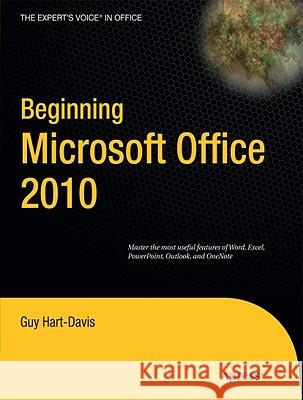
Introduction Do you need to get your work done with the Office programs smoothly, easily, and quickly? If so, you ve picked up the right book. Who Is This Book For? This book is designed to help beginning and intermediate users get up to speed quickly with the Office 2010 programs and immediately become productive with them. If you need to learn to use Word, Excel, PowerPoint, Outlook, and OneNote to accomplish everyday tasks, at work or at home, you ll benefit from this book s focused approach and detailed advice. You can either start from the beginning of the book and work through it, or...
Introduction Do you need to get your work done with the Office programs smoothly, easily, and quickly? If so, you ve picked up the right book. Who Is ...
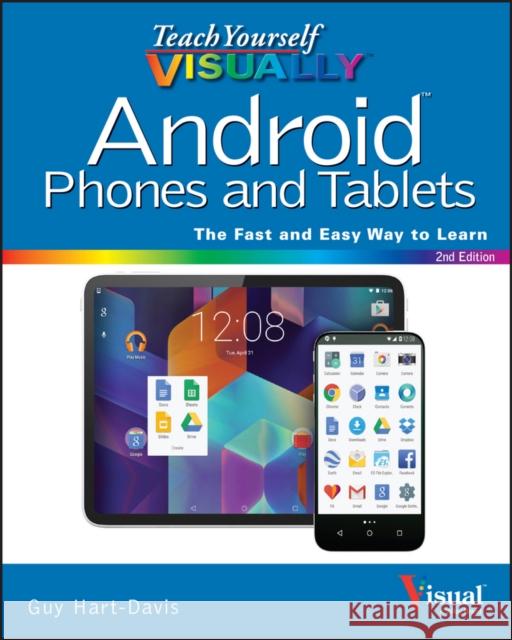
Teach Yourself VISUALLY Android Phones and Tablets, 2nd Edition is the perfect resource if you are a visual learner who wants to master the ins and outs of the Android operating system. With step-by-step instructions driven by targeted, easy-to-understand graphics, this informative book shines a light on the features, functions, and quirks of the Android OS--and shows you how to use them. With the guidance provided by this easy to follow resource, you will quickly access, download, and enjoy books, apps, music, and...
Experience all your Android device has to offer
Teach Yourself VISUALLY Android Phones and Tablets, 2nd Edition is the pe...
Learn how to deploy Chromebook computers in a classroom or lab situation and how to navigate the hardware and software choices you face. This book equips you with the skills and knowledge to plan and execute a deployment of Chromebook computers in the classroom.
Learn how to deploy Chromebook computers in a classroom or lab situation and how to navigate the hardware and software choices you face. This book...
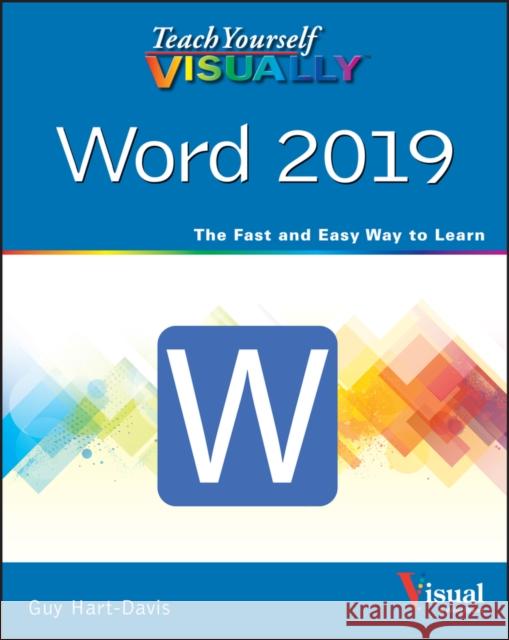
Features step-by-step screen shots illustrating numerous Word 2019 tasks, including managing documents, editing text, formatting pages, adding tables and graphics, and saving documents to the cloud.
Features step-by-step screen shots illustrating numerous Word 2019 tasks, including managing documents, editing text, formatting pages, adding tables ...