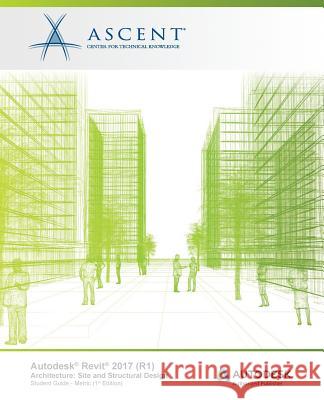
The main purpose of the Autodesk(r) Revit(r) Architecture software is to design buildings: walls, doors, floors, roofs, and stairs. However, architects also frequently need to add site and structural information. The "Autodesk(r) Revit(r) 2017 (R1) Architecture: Site and Structural Design" student guide covers the elements and tools that are used to create topographic surfaces for site work and add structural elements.
Site Topics Covered Create topographic surfaces Add property lines and building pads Modify toposurfaces with subregions, splitting surfaces and grading the regions...
The main purpose of the Autodesk(r) Revit(r) Architecture software is to design buildings: walls, doors, floors, roofs, and stairs. However, archit...
As architects and designers start a project, they frequently think about the overall massing of a building or the area of the footprint. The Autodesk(r) Revit(r) software, using its powerful Building Information Modeling (BIM) engine, includes tools for creating mass elements that can be modified into many shapes. You can then apply walls, roofs, and floors to them to continue designing. You can also access space planning tools for setting up areas for rooms and also applying colors for them to show the connections. For presentations, you can create, embellish, and render perspective...
As architects and designers start a project, they frequently think about the overall massing of a building or the area of the footprint. The Autode...
The Autodesk(r) Inventor(r) 2017 (R1) Advanced Assembly Modeling student guide builds on the skills acquired in the Autodesk(r) Inventor(r) 2017 (R1) Introduction to Solid Modeling and Autodesk(r) Inventor(r) 2017 (R1) Advanced Part Modeling student guides to take students to a higher level of productivity when creating and working with assemblies.
You begin by focusing on the Top-Down Design workflow. You learn how tools are used to achieve this workflow using Derive, Multi-Body Design, and...
The Autodesk(r) Inventor(r) 2017 (R1) Advanced Assembly Modeling student guide builds on the skills acquired in the
The Autodesk(r) Inventor(r) 2017 (R1) Sheet Metal Design student guide introduces the concepts and techniques of sheet metal modeling with the Autodesk(r) Inventor(r) software.
The structure of the student guide follows the typical stages of using the Autodesk(r) Inventor(r) software. That is, to create and edit sheet metal parts, generate flat patterns, and document the designs in drawings.
Topics Covered
Autodesk Inventor Sheet Metal interface
Sheet metal design process...
The Autodesk(r) Inventor(r) 2017 (R1) Sheet Metal Design student guide introduces the concepts and techniques of sheet...
The main purpose of the Autodesk(r) Revit(r) Architecture software is to design buildings: walls, doors, floors, roofs, and stairs. However, architects also frequently need to add site and structural information. The Autodesk(r) Revit(r) 2017 (R1) Architecture: Site and Structural Design student guide covers the elements and tools that are used to create topographic surfaces for site work and add structural elements.
Site Topics Covered
Create topographic surfaces
Add property lines and building pads...
The main purpose of the Autodesk(r) Revit(r) Architecture software is to design buildings: walls, doors, floors, roofs, and s...
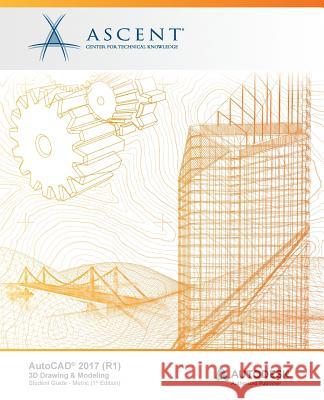
The AutoCAD(r) 2017 (R1): 3D Drawing and Modeling student guide introduces users who are proficient with the 2D commands in the AutoCAD(r) software to the concepts and methods of 3D modeling. The student guide provides a thorough grounding in the fundamentals of 3D and explores the main features of the advanced 3D Modeling workspace in the AutoCAD software.
Topics Covered
3D viewing techniques
Working with simple and composite solids
Creating complex solids and surfaces
Modifying objects in 3D space
Editing solids...
The AutoCAD(r) 2017 (R1): 3D Drawing and Modeling student guide introduces users who are proficient with the 2D commands in the A...
Building Information Modeling (BIM) is an approach to the entire building life cycle. Autodesk(r) Revit(r) for Architecture, MEP, and Structure is a powerful BIM program that supports the ability to coordinate, update, and share design data with team members throughout the design construction and management phases of a building's life. A key component in managing the BIM process is to establish a company foundation for different types of projects by creating standard templates and custom family elements. Having this in place makes the process of any new project flow...
Building Information Modeling (BIM) is an approach to the entire building life cycle. Autodesk(r) Revit(r) for Architecture, ...
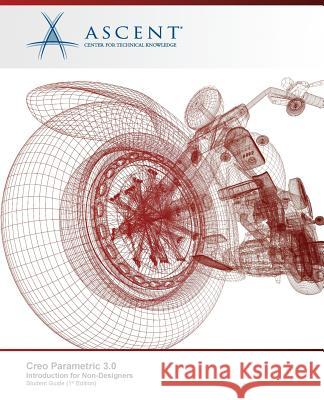
The "Creo Parametric 3.0: Introduction for Non-Designers" student guide provides reviewers or downstream users of Creo Parametric data with the knowledge to investigate, manipulate, and annotate existing models. It is targeted at students who require less training about geometry creation techniques. The student learns to open models for the purpose of providing feedback, verification, image capture, and taking data into specialized modules. This student guide provides a good introduction to Creo Parametric for users who are evaluating the software or need a high-level understanding of...
The "Creo Parametric 3.0: Introduction for Non-Designers" student guide provides reviewers or downstream users of Creo Parametric data with the kno...
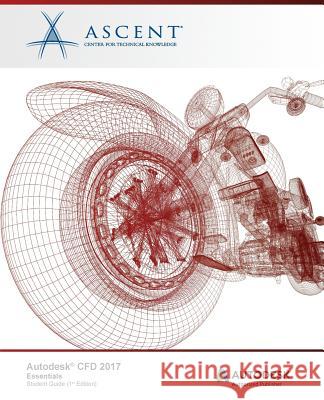
The Autodesk(r) CFD 2017 Essentials student guide instructs students in the use of the Autodesk(r) CFD software. The software provides computational fluid dynamics and thermal simulation tools to predict product performance, optimize designs, and validate product behavior before manufacturing. Through a hands-on, practice-intensive curriculum, students acquire the knowledge required to work in the Autodesk CFD environment to setup and conduct thermal and flow analyses on part and assembly models. Exercises are provided that cover electronic cooling, flow...
The Autodesk(r) CFD 2017 Essentials student guide instructs students in the use of the Autodesk(r) CFD software. The s...